LOOK. LISTEN. TRY.
Build a radio station
Match power, audio, and antenna connections on a virtual station.
Connect your virtual station
TRANSCEIVER
Pick a piece of equipment, then its matching radio port.
See the station connectionsIllustrated example
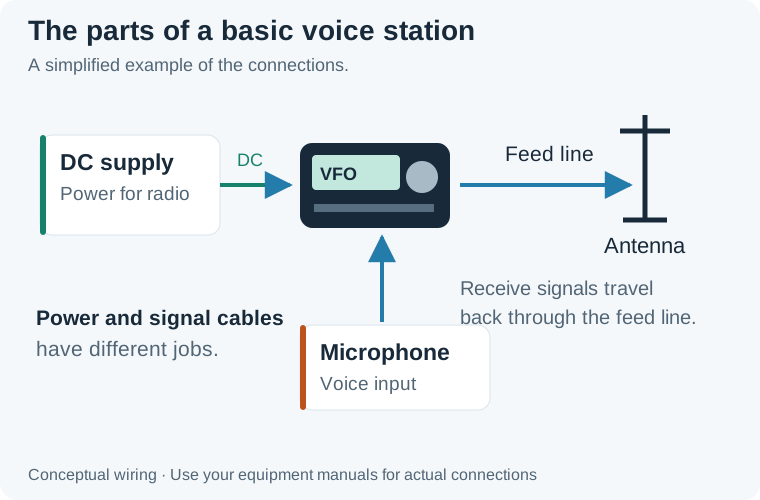
Power, microphone audio, and radio frequency signals have different paths. Received signals travel from the antenna back through the feed line to the radio. This is a concept diagram, not installation wiring.
Open larger imageConcept diagram only. Real connectors are not interchangeable. Switch equipment off before connecting it and follow the manufacturer’s manual.